
This quick start guide shows how to connect, set up and enjoy your PhotoFrame.
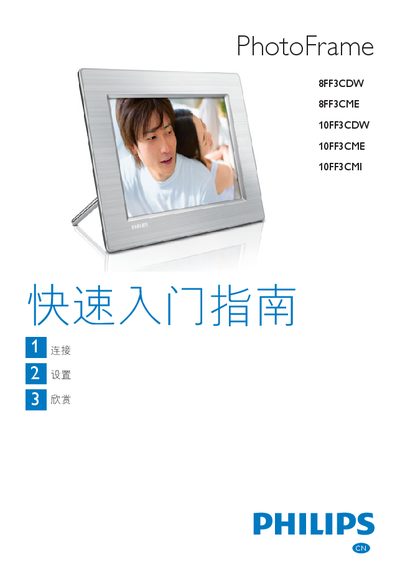
This Quick Start Guide provides step‑by‑step instructions for connecting, installing and enjoying Philips PhotoFrame digital photo frames. It explains how to attach the power adapter, insert storage media, and configure basic settings such as language and display options.
The guide also details how to create albums, set up slideshow and collage modes, adjust automatic power and sleep functions, and troubleshoot common issues like photo distortion or unresponsive behavior. Supported storage media and power requirements are listed, and tips for optimal picture display are included. This manual is written in Chinese.
| Supported storage media | Compact Flash type I, Secure Digital (SD), Secure Digital (SDHC), Multimedia Card, xD Card, Memory Stick, Memory Stick Pro, Memory Stick Duo, Memory Stick Pro Duo, USB flash drive |
|---|---|
| Power supply | AC‑DC power adapter |
Make sure the frame is receiving power and press the reset button on the back with a pin to restore it.
Use the background color or fluorescent color display modes instead of automatic adjustment to avoid distortion.