
Danish user manual for the Philips Digital PhotoFrame 8FF3CDW/8FF3CME and 10FF3CDW/10FF3CME/10FF3CMI, covering setup, photos, albums, slideshows, and settings.
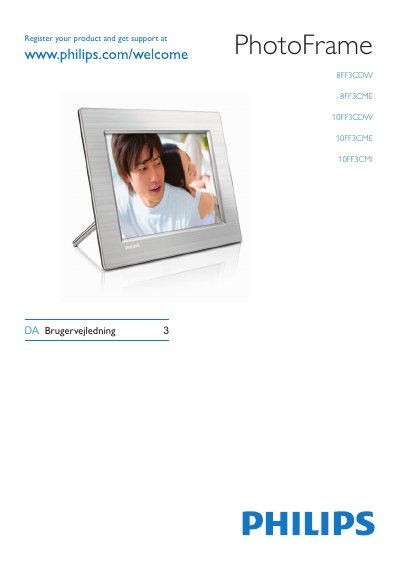
This Danish user manual covers the Philips Digital PhotoFrame models 8FF3CDW, 8FF3CME, 10FF3CDW, 10FF3CME, and 10FF3CMI. It explains how to install the stand, connect power and storage media, and begin displaying photos.
The guide also describes photo browsing and copying, album creation, slideshow options, photo collages, brightness adjustment, memory-card protection, clock and event reminders, and other frame settings. It includes product information, warranty and service details, and an FAQ section.
| Supported memory cards | Compact Flash type I, Secure Digital (SD), Secure Digital (SDHC), Multimedia Card, xD Card, Memory Stick, Memory Stick Pro, Memory Stick Duo, Memory Stick Pro Duo |
|---|---|
| Supported USB storage | USB flash drive |
| Display modes | Slideshow, browser, and calendar |
It supports Compact Flash type I, SD, SDHC, Multimedia Card, xD Card, Memory Stick variants, and USB flash drives.
Press and hold the power button for more than one second to turn it on, or more than two seconds to turn it off.
The frame displays a card/device error message when the memory card is empty or damaged.