
Key facts
- Brand
- Panasonic
- Model
- DC-GH5S
- Category
- Digital cameras
- Documents
- 3
- Languages
- JA · ZH · EN
- Last added
- 2026-10-03
Start here
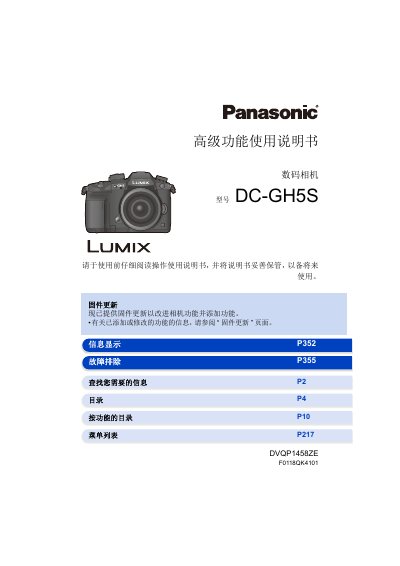
Panasonic LUMIX DC-GH5S Digital Camera Advanced Features User Manual
This manual is for the Panasonic DC-GH5S digital camera. It explains preparation and basic operation, shooting modes, focus and exposure settings, 4K photo and drive modes, motion picture recording, playback and editing, menu functions, and Wi-Fi/Bluetooth connections.
The document includes menu lists, a troubleshooting section, and notes for firmware version 2.2, including RAW video output to listed Blackmagic Design recorders. This manual is written in Chinese.
Panasonic DC-GH5S specifications
| Power Supply | DC 8.4 V |
|---|---|
| Power Consumption (monitor use) | 3.7 W |
| Effective Pixels | 10,280,000 pixels |
| Image Sensor | 4/3q Live MOS |
| Continuous Shooting Speed | 12 frames per second (high‑speed AFS/MF) |
All Panasonic DC-GH5S documents by type
Day-to-day operation, settings and troubleshooting. Start here if the product is already set up.
Questions answered in these manuals
What precautions are needed to protect the camera from water damage?
Do not expose the camera to rain or direct water; the splash‑proof rating only offers limited protection against moisture, so keep the camera dry and avoid submerging it.
How can Wi‑Fi and Bluetooth be used with the camera?
The camera’s Wi‑Fi/Bluetooth functions allow wireless connection to smartphones or tablets for remote control and image transfer, following the steps in the Wi‑Fi/Bluetooth section of the manual.
Which camera model is covered by this manual?
The manual covers the Panasonic DC-GH5S digital camera.
From: Panasonic LUMIX DC-GH5S Digital Camera Advanced Features User Manual
What firmware version is described in the update notes?
The update notes describe firmware version 2.2.
From: Panasonic LUMIX DC-GH5S Digital Camera Advanced Features User Manual
What is the model number of this camera?
The model number is DC-GH5S.
What should users do before using the camera?
Read these instructions carefully before using this product.