
Key facts
Start here
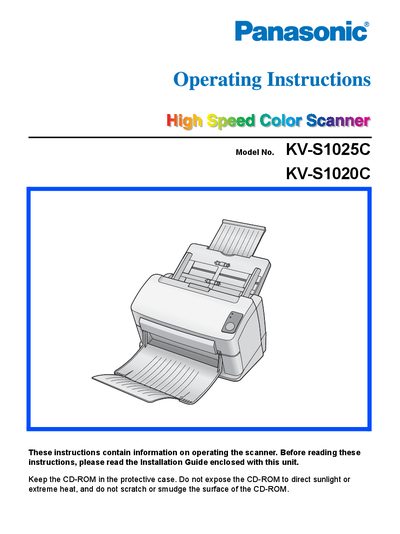
Panasonic KV-S1025C KV-S1020C Operating Instructions
This manual provides operating instructions for Panasonic KV‑S1025C and KV‑S1020C high‑speed color scanners. It includes safety warnings, installation guidance, software setup, and detailed procedures for loading documents, clearing jams, and cleaning the unit.
The document also contains FCC compliance information, fuse replacement instructions, and contact details for Panasonic support in North America, Canada, and the UK.
All Panasonic KV-S1025C KV-S1020C documents by type
Mounting, wiring and first power-up. Read it before the hardware goes in.
Day-to-day operation, settings and troubleshooting. Start here if the product is already set up.
Questions answered in these manuals
What clearance is needed to set the feed tray?
You must provide a clearance of 250 mm (9.8 in.) for the feed tray.
From: Panasonic KV-S1025C KV-S1020C High Speed Color Scanner Installation Guide
What is the recommended maximum storage temperature for roller cleaning paper?
Do not store the roller cleaning paper where the temperature exceeds 40 °C (104 °F).
From: Panasonic KV-S1025C KV-S1020C High Speed Color Scanner Installation Guide
How do I install the scanner software?
Install the software from the CD-ROM included with the scanner. The CD-ROM contains drivers, utilities, and installation guides. Follow the on-screen instructions for a complete installation.
What types of files can this scanner handle?
The scanner accepts various file types including documents, cards, and images. It does not accept certain items like currency, checks, or government documents due to legal restrictions.