
This document is the operating instructions for a network camera, describing the features and characteristics of the product.
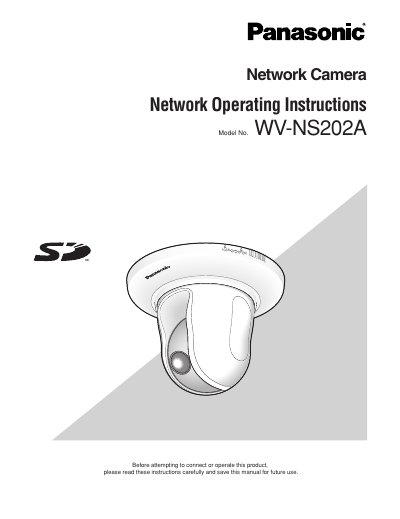
This document provides operating instructions for the Panasonic WV-NS202A network camera. It details how to monitor images from a single or multiple cameras on a PC using web browsers and viewer software like 'Network Camera View3'.
The guide covers configuring various settings via a setup menu accessible through a browser, including basic settings, image/audio capture, multi-screen display, alarm functions, authentication, server connections, network parameters, schedules, and maintenance logs. It also explains how to transmit images to FTP servers or save them on an SD memory card.
| Default User Name | admin |
|---|---|
| Default Password | 12345 |
The viewer software 'Network Camera View3' must be installed on the PC.
The default user name is 'admin' and the password is '12345'.