
Key facts
- Brand
- Panasonic
- Model
- DC-ZS220
- Category
- Digital cameras
- Documents
- 2
- Languages
- JA · EN
- Last added
- 2026-09-29
Start here
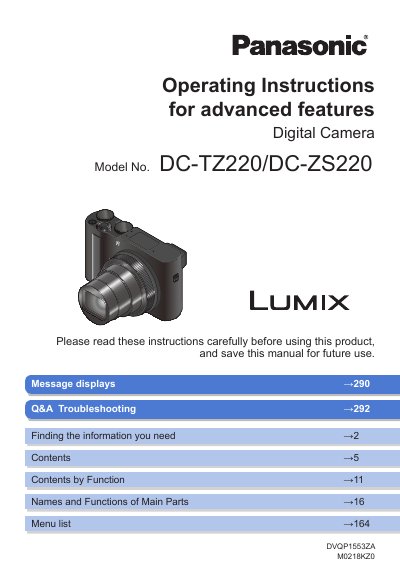
Panasonic DC-TZ220/DC-ZS220 Digital Camera User Manual
This manual provides detailed instructions for operating the Panasonic DC-TZ220/DC-ZS220 digital camera, including setup, menu configuration, recording modes, and playback features. It covers advanced functions such as 4K Photo, Creative Control, and Time Lapse Shot. The guide also explains how to use touch controls, focus settings, and Wi-Fi connectivity.
The manual is organized by topic, with sections on camera basics, recording modes, playback, and troubleshooting. It includes diagrams and step-by-step instructions for setting up the camera, adjusting exposure, using the zoom lever, and managing menus. It also contains information on accessories, battery charging, and usage cautions.
Panasonic DC-ZS220 specifications
| Effective pixels | 20,100,000 |
|---|---|
| Image sensor | 1" MOS sensor |
| Battery voltage | 8.4 V |
All Panasonic DC-ZS220 documents by type
Day-to-day operation, settings and troubleshooting. Start here if the product is already set up.
Questions answered in these manuals
Can the camera be used near magnetic objects?
Avoid placing magnetic objects such as speakers or large motors near the camera, as they may cause interference.
What is the model number of this camera?
The model number is DC-TZ220/DC-ZS220.
From: Panasonic DC-TZ220/DC-ZS220 Digital Camera User Manual
How do you change a menu setting in the camera?
Steps are described as: [ENT] — [Rec] — [Quality] — [ee].
From: Panasonic DC-TZ220/DC-ZS220 Digital Camera User Manual