
This document is the instruction manual for the network camera.
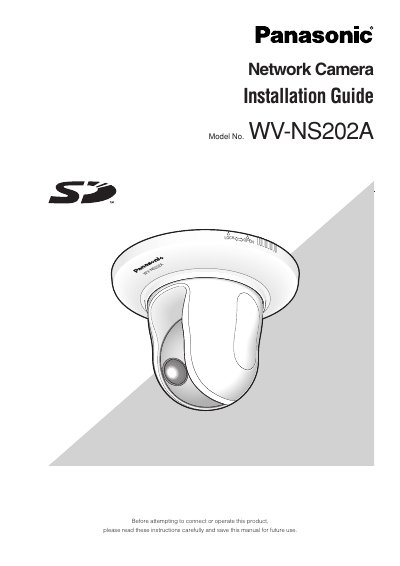
The document serves as an installation guide for the Panasonic WV-NS202A network camera. It outlines critical safety precautions regarding electrical grounding, moisture exposure, and ventilation before attempting to connect or operate the device. Qualified service personnel are required for all installation work related to this product.
The guide specifies that the camera operates on a PC via a 100BASE-T/100BASE-TX network connection. It lists specific system requirements for the host computer, including CPU speed, memory, operating systems (Windows 2000 or XP), and browser versions. The text also highlights key features such as Power over Ethernet compliance and SD memory card support.
All work related to the installation should be made by qualified service personnel or system installers.
The camera is designed to operate using a PC on a network with 100BASE-T/100BASE-TX capabilities.
The PC must have 512 MB or more of memory.