
This is an instruction manual for a network camera, and includes instructions on how to use it, how to connect it to the network, and how to set up security.
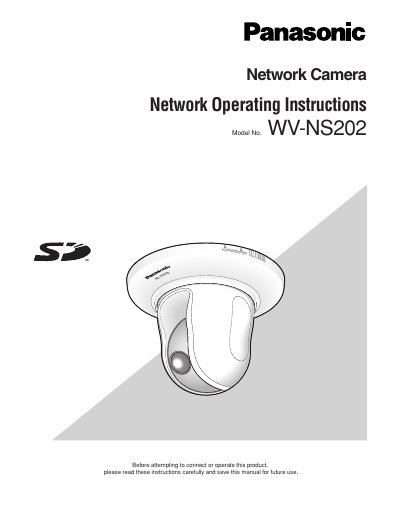
This manual provides step-by-step instructions for operating the Panasonic WV-NS202 network camera using a PC. It covers how to monitor live video, configure camera settings, manage SD card recordings, set up alarms, and configure network and security options. The guide also explains how to use the viewer software and troubleshoot common issues.
The manual includes detailed sections on basic setup, camera settings, multi-screen configuration, alarm settings, authentication, server configuration, network settings, maintenance, and troubleshooting. It also explains how to access the camera via web browser using its IP address and how to handle user authentication and password security.
The viewer software "Network camera View3" must be installed on the PC to display images.
The default user name is "admin" and the default password is "12345".
Up to 8 users can access the camera concurrently when "Unicast port (AUTO)" or "Unicast port (MANUAL)" is selected for "Transmission type".