
Panasonic WV-NS202 Network Camera Operating Instructions

This manual provides detailed information on the basic operations of the WV-NS202 network camera, including connection and operation methods, PC-side monitoring, network security, FTP settings, LAN settings, multi-screen settings, alarm settings, and server settings
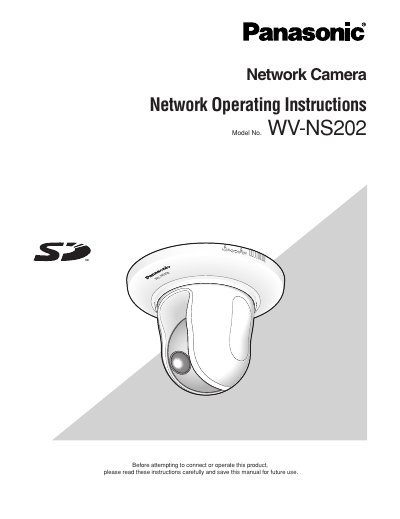

Panasonic WV-NS202 Network Camera Operating Instructions - cover page
Brand
Panasonic
Category
Monitoring Equipment
Document type
User Manual
Language
English
Pages
79
File format
PDF
File size
2 MB
Published
08 August, 2012
Updated
30 September, 2023
MD5 checksum
C3220331CAB42CFB79E2506404CC593E

About this manual

This document provides operating instructions for the Panasonic WV-NS202 network camera. It details how to monitor images from a single or multiple cameras on a PC using viewer software and web browsers.

The guide explains how to display the setup menu via a PC to configure basic settings, image/audio parameters, multi-screen layouts, alarms, authentication, servers, networks, and maintenance logs.

What's inside

  • About these operating instructions
  • Monitor Images on a PC
  • Record images on the SD memory card manually
  • Transmit images onto an FTP server
  • Display the setup menu and configure the settings of the camera using a PC
  • Configure the basic settings of the camera [Basic setup]
  • Configure the settings relating to images and audio [Camera setup]
  • Configure the alarm settings [Alarm setup]
  • Configuring the network settings [Network setup]
  • Maintenance of the camera

Frequently asked questions

What software is required to view images from the camera on a PC?

The viewer software "Network camera View3" must be installed on the PC to display images.

Download PDF (2 MB)

More Panasonic Manuals


View all Panasonic manuals →