
UB-5310 Electronic Whiteboard Operating Instructions, including assembly and installation instructions
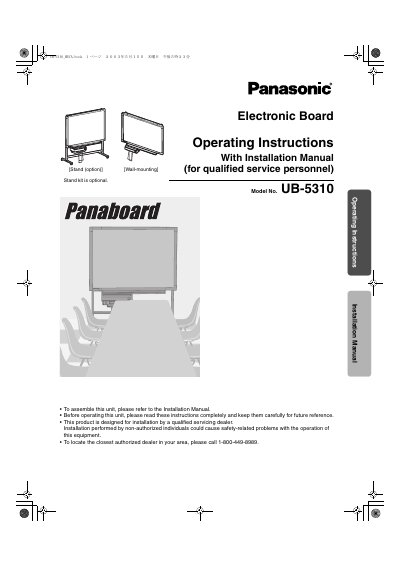
This document provides operating instructions and an installation manual for the Panasonic UB-5310 Electronic Board. It details safety precautions, part names, and procedures for loading copy paper, making copies of various types, and handling paper jams.
The guide also covers computer interfacing, including system requirements and software installation via CD-ROM, as well as scanning operations. Additionally, it includes sections on daily care, maintenance tasks like cleaning the printer head, and troubleshooting error codes.
| Product Type | Electronic Board |
|---|---|
| Model Number | UB-5310 |
No, the stand is an optional accessory.
Installation must be performed by a qualified servicing dealer.