
This is a user manual for panasonic KV-S1025C KV-S1020C scanner
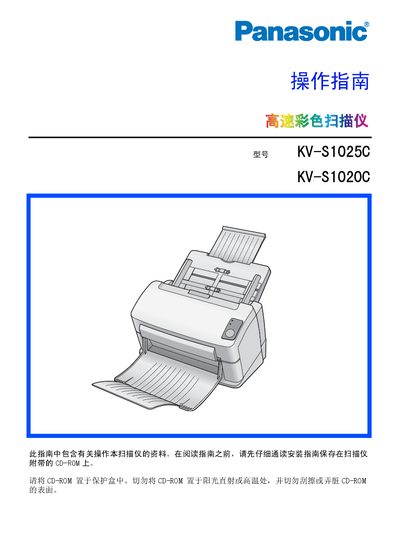
This manual covers the installation of the scanner, including connecting the USB cable, installing the supplied software from the CD‑ROM, and setting up the paper feed trays. It also explains how to load documents, use the automatic document feeder, and configure scanning settings.
Safety precautions are emphasized throughout, with warnings about hot surfaces, electrical shock, and proper handling of the power adapter. Maintenance sections describe cleaning the scanner exterior and interior, using the recommended roller cleaning paper (KV‑SS03), and replacing consumable rollers. The appendix provides part descriptions and troubleshooting tips. This manual is written in Chinese.
Use the recommended roller cleaning paper (KV‑SS03) to clean the rollers and follow the cleaning instructions for the scanner’s exterior and interior.