
This document provides instructions for operating the Panasonic High Speed Color Scanner and includes an installation guide. The scanner is reliable and easy to use, and incorporates Panasonic Image Enhancement Technology to improve the quality of scanned images. The product meets the ENERGY STAR guidelines for energy efficiency.
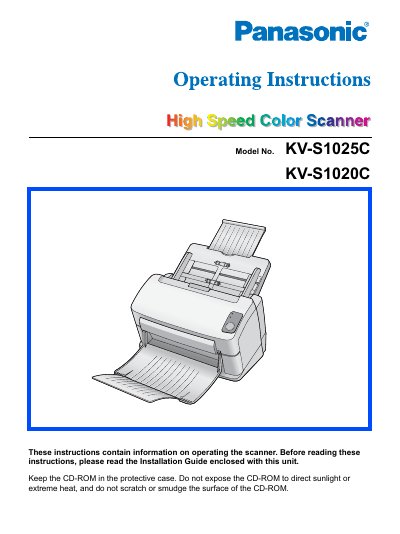
This manual provides operating instructions for the Panasonic KV-S1025C High Speed Color Scanner. It includes information on setting up the hardware, installing necessary software drivers, and understanding acceptable versus unacceptable documents for scanning.
The guide also covers essential maintenance procedures such as cleaning the unit and replacing consumables like rollers. Additionally, it details safety precautions, troubleshooting steps, and repacking instructions for returning the device.
| Product Type | High Speed Color Scanner |
|---|---|
| Model Numbers | KV-S1025C, KV-S1020C |
The manual lists currency, bank notes and checks, passports, licenses, official or private documents, identification cards, copyright materials without consent, postage stamps, and other negotiable instruments as examples of illegal duplication.
Stop operation immediately, turn the unit off, unplug the power cord, and contact your dealer for service.
You must read the Installation Guide enclosed with the unit before using it.