
This document is a user manual for JVC hard disk camera. It introduces the camera's usage methods, function features, etc.
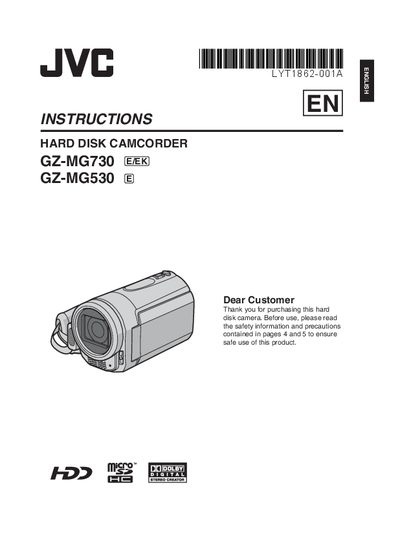
This manual provides step‑by‑step instructions for getting started with the JVC GZ‑MG730 and GZ‑MG530 camcorders, including battery charging, date/time setup, and basic menu navigation. It also covers recording video and still images, playback functions, and how to transfer files to a TV or DVD.
Additional sections detail editing and copying files, PC and Macintosh backup procedures, safety precautions, and troubleshooting tips. The guide includes a glossary of terms and specifications for reference.
Charge the battery pack before use, as noted in the Easy Start Guide.
Open the LCD monitor, select [SET DATE/TIME], and confirm within 10 seconds.
Only JVC battery packs (BN‑VF808U, VF815U, VF823U) are guaranteed for safety and performance.
Select the desired file using the touch sensor, then choose the copy function to write the file to a DVD disc.