
The JVC GZ-MG630SU/RU/AU camcorder manual provides safety guidelines, setup steps, operation instructions and specifications.
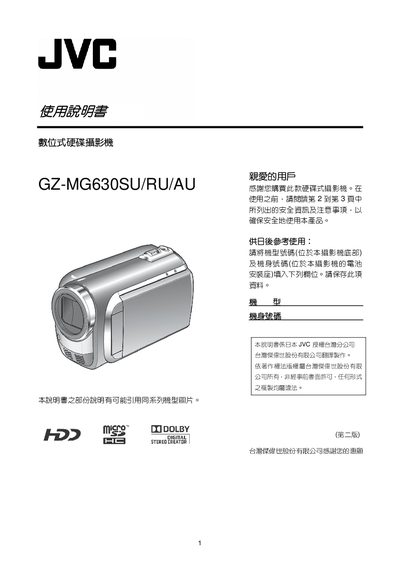
This manual covers safety precautions, battery handling, and basic setup for the JVC GZ-MG630SU/RU/AU digital hard‑disk camcorder. It explains how to charge the battery, install accessories, and configure date, time and language settings before first use.
It then details recording modes, playback functions, connecting the camcorder to a TV, using a microSD card, adjusting zoom and the built‑in LED light, and provides troubleshooting tips and full technical specifications. This manual is written in Chinese.
| Maximum recording time (HD quality) on 60 GB HDD | 14 h 20 min |
|---|---|
| Image resolution (fine mode) | 832 × 624 |
| Battery charging time (BN‑VF808U) | 1 h 50 min |
| Battery recording time (BN‑VF808U) | 2 h 5 min |
Open the LCD display, select the clock setting menu, choose your city or GMT offset, then adjust the date and time using the touch sensor and OK button.
Only JVC‑approved battery packs (BN‑V808U, VF815U, VF823U) are recommended; other batteries are not guaranteed for safety or performance.