
JVC GZ-MG680 / GZ-MG650 / GZ-MG630 Camcorder User Manual

This manual provides detailed instructions on how to connect and use the JVC GZ-MG680, GZ-MG650, and GZ-MG630 hard disk camcorders.
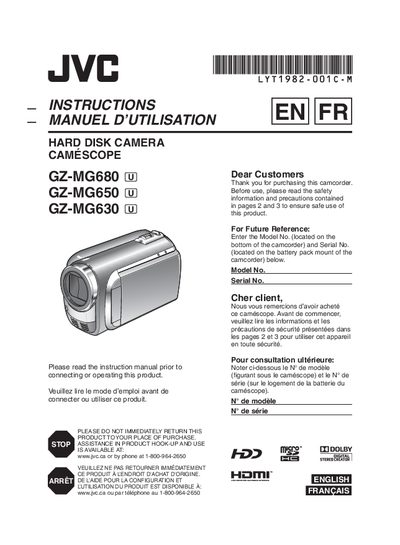

JVC GZ-MG680 / GZ-MG650 / GZ-MG630 Camcorder User Manual - cover page
Brand
JVC
Category
Camcorders
Document type
User Manual
Language
English
Pages
88
File format
PDF
File size
9.1 MB
Published
27 March, 2012
Updated
30 September, 2023
MD5 checksum
8B0FDF07DB42B1F9F2B474B311C39209

About this manual

This manual covers essential safety precautions, battery charging, and basic setup for the JVC GZ‑MG680, GZ‑MG650 and GZ‑MG630 camcorders. It explains how to attach the battery pack, use the AC adapter, and configure date, time and language settings.

The guide then walks you through video and still‑image recording, playback, editing, and connecting the camcorder to a TV. Additional sections cover file management, DVD burning, exporting to a PC, and troubleshooting common issues.

What's inside

  • Getting Started
  • Safety Precautions
  • Battery Charging
  • Date/Time and Language Settings
  • Recording (Video & Still Image)
  • Playback and Editing
  • Connecting to TV
  • File Management and Export
  • Troubleshooting
Download PDF (9.1 MB)

More JVC Manuals


View all JVC manuals →