
This document is the operation manual for JVC GZ-HM690/GZ-HM670/GZ-HM650/GZ-HM450/GZ-HM440.
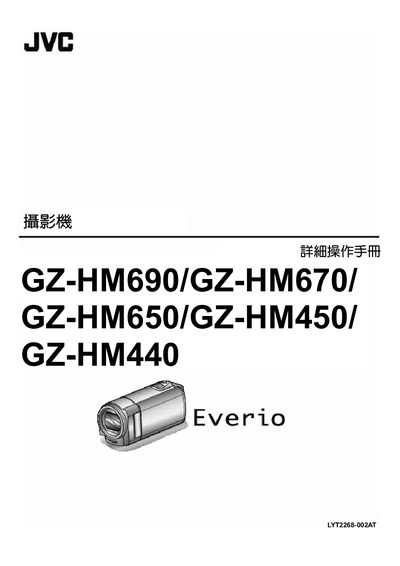
This manual covers the basic handling of the GZ‑HM690, GZ‑HM670, GZ‑HM650, GZ‑HM450 and GZ‑HM440 camcorders, including how to insert and use SD memory cards, connect HDMI or AV cables, and manage power with the supplied AC‑V11U power adapter. It also explains the camera’s menu system, basic shooting modes, and recommended accessories such as tripods.
Advanced sections describe automatic recording, smile detection, white‑balance and exposure settings, as well as troubleshooting steps, firmware updates, and detailed technical specifications such as video formats, audio quality, and battery information. This manual is written in Japanese.
| USB 2.0 weight | ≈71 g |
|---|---|
| Dimensions (W×H×D) | 66 mm × 28 mm × 47 mm |
| Video codec | AVC/H.264 |
Insert the SD memory card into the SD slot; supported card types are listed in the manual for each model.
Select the automatic recording mode in the menu; the manual describes the steps under "利用感訂動作自動録影".