
CS Camera User Manual. Including safety precautions, date/time settings, video recording and playback
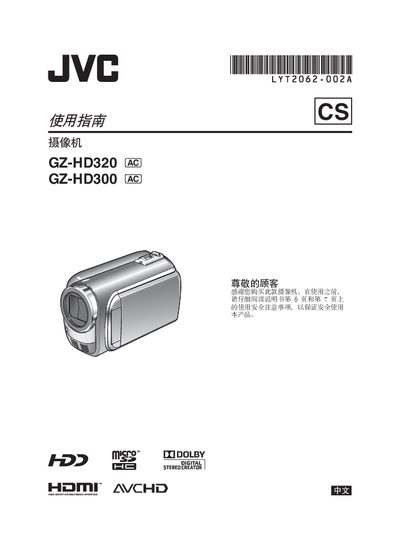
This manual guides users through preparing the JVC GZ‑HD300 camcorder, including battery installation, charging, and initial safety checks. It explains how to set the date, time, language, and other basic configurations before recording.
Detailed sections cover video recording modes, playback functions, HDMI connection to a TV, file management, and troubleshooting. Safety warnings, environmental disposal instructions, and a full specifications table are included at the end of the document. This manual is written in Chinese.
| Power supply (adapter) | DC 11 V |
|---|---|
| Power supply (battery) | DC 7.2 V |
| Dimensions (W × H × D) | 53 mm × 68 mm × 113 mm |
| Weight (without battery) | ≈ 325 g |
| LCD screen size | 2.7 inches (diagonal) |
| Video recording format | MPEG‑4 AVC/H.264 |
| Audio recording format | Dolby Digital (2 ch) |
| Image sensor | 1/4.1" CMOS, 3 MP |
Only JVC BN‑VF808U, VF815U, or VF823U batteries may be used; other batteries are not guaranteed for safety or performance.
The AC adapter accepts 110 V to 240 V AC, 50/60 Hz, and outputs DC 11 V at 1 A.
It records video in 1080/50i format using the MPEG‑4 AVC/H.264 codec.