
This manual introduces the safety information and precautions for the camcorder
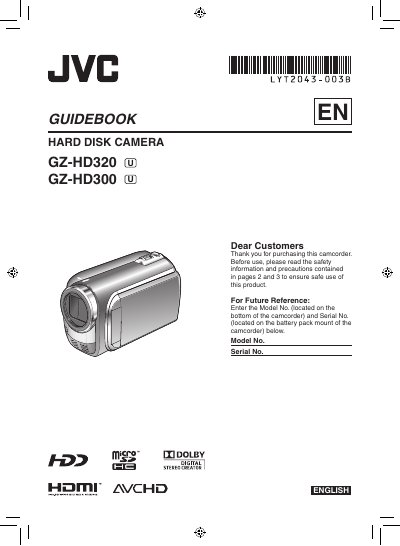
This guidebook covers safety precautions, battery charging, and basic handling for the JVC GZ‑HD320/GZ‑HD300 camcorder. It explains how to prepare the device, set date/time, adjust grip, and mount the camcorder on a tripod or cart.
The manual also details video recording, playback, file management, and connections to a TV or computer. Additional sections cover editing, copying files, using external storage, and troubleshooting.
| AC Adapter Input Voltage | 110 V – 240 V |
|---|---|
| Battery Type | CR2025 lithium coin cell (JVC battery pack recommended) |
| Supported Storage Media | microSD Card |
Charge the battery before recording by attaching the battery pack and connecting the AC adapter; the power/charge lamp blinks while charging and stops when charging is finished.