
Key facts
- Brand
- Honeywell
- Model
- NetAXS-123
- Category
- Other Electronics
- Industry
- Industrial
- Documents
- 2
- Languages
- EN
- Last added
- 2026-11-13
Start here
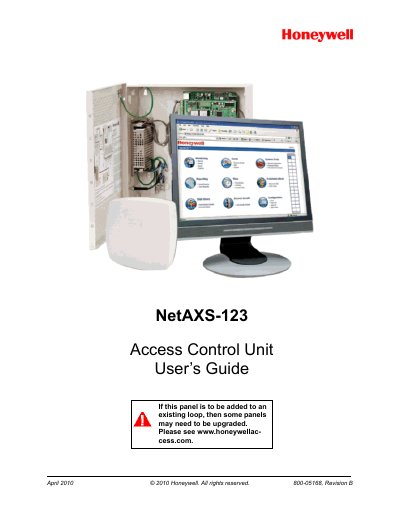
Honeywell NetAXS-123 Access Control Unit User Guide
This guide provides step‑by‑step instructions for installing the NetAXS‑123 panel, connecting via USB or Ethernet, and navigating the web‑based interface. It covers initial configuration, time management, door and reader settings, access level definition, and card administration.
Additional chapters describe using WIN‑PAK commands, monitoring alarms and events, and performing firmware upgrades and data backups. Appendices give DIP‑switch settings and detailed upgrade procedures.
Honeywell NetAXS-123 specifications
| Door/Reader Capability | 1, 2 or 3 DOOR Controller |
|---|---|
| Power Input | PoE 802.3af or external 12 VDC supply |
| Operating Temperature | 32 to 120˚F (0˚C to 49˚C) |
| MTBF | 250,000 hours |
| Certifications | CE and FCC compliant UL-294 listing |
Source: Honeywell NetAXS-123 Cloud Hosted Access Control Product Leaflet
All Honeywell NetAXS-123 documents by type
Day-to-day operation, settings and troubleshooting. Start here if the product is already set up.
Questions answered in these manuals
Does the NetAXS-123 require on-site servers?
No, the system is cloud-hosted and requires no servers or site software to install.
From: Honeywell NetAXS-123 Cloud Hosted Access Control Product Leaflet
Can the NetAXS-123 manage multiple sites?
Yes, it supports multi-site management via a web browser or mobile app for iOS and Android.
From: Honeywell NetAXS-123 Cloud Hosted Access Control Product Leaflet
How can I add new access cards to the system?
Section “2.6.1 Adding New Cards” explains the procedure for entering and saving new card data.
What commands are available for standalone operation?
Chapter 3 lists standalone commands such as “T (Time) Command”, “D (Date) Command”, and “C (Card Add) Command”.