
Key facts
- Brand
- Honeywell
- Model
- CM707
- Category
- Other
- Industry
- Appliances
- Documents
- 2
- Languages
- EN · ZH
- Last added
- 2012-05-07
Start here
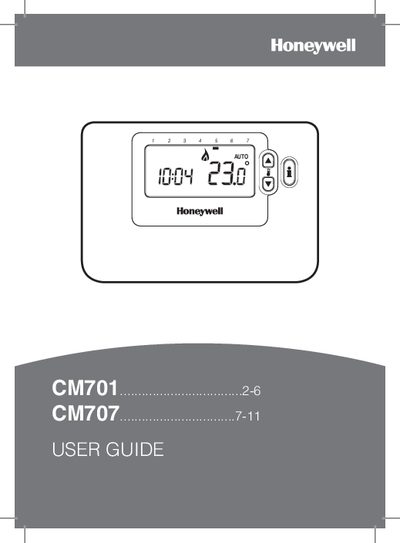
Honeywell CM701 CM707 User Guide
This guide provides step‑by‑step instructions for installing batteries, setting date and time, and configuring the built‑in heating program for the Honeywell CM701 and CM707 thermostats. It covers the three operating modes (Automatic, Manual, Off) and special features such as backlit display, automatic summer/winter time change, and Optimum Start.
Additional sections describe troubleshooting symptoms, battery replacement, holiday programming, and general advice on thermostat use and energy savings.
Honeywell CM707 specifications
| Temperature range | 5 °C – 35 °C (CM701) / 5 °C – 36 °C (CM707) |
|---|---|
| Battery type | 2 × AA LR6 Alkaline |
| Display | Large LCD screen with backlight |
| Heating periods per day | 4 programmable periods |
| Holiday function (CM707) | Temperature reduction for 1‑99 days |
| Automatic Summer/Winter Time Change | Adjusts clock for daylight‑saving time |
| Optimum Start | Starts heating earlier on cold days to reach target temperature |
Source: Honeywell CM701 CM707 User Guide
All Honeywell CM707 documents by type
Day-to-day operation, settings and troubleshooting. Start here if the product is already set up.
Questions answered in these manuals
How do I copy a program to another day?
After programming a day, press the program copy key to copy that day's program to the next day.
From: Honeywell CM707 Programmable Room Thermostat User Manual
What does the flashing black dot indicate?
A flashing black dot on the screen indicates that the battery power is low.
From: Honeywell CM707 Programmable Room Thermostat User Manual