
Key facts
- Brand
- Honeywell
- Model
- CT3200
- Category
- Other
- Industry
- Appliances
- Documents
- 2
- Languages
- EN
- Last added
- 2026-10-05
Start here
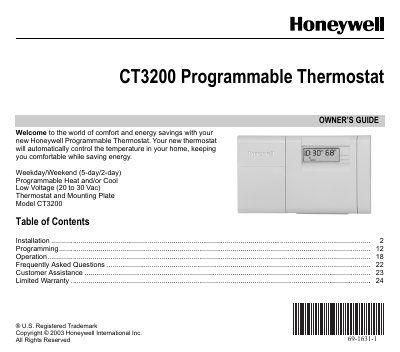
Honeywell CT3200 Programmable Thermostat Owner's Guide
This guide walks you through installing the CT3200 thermostat, including removing the old unit, mounting the plate, wiring terminals, and installing batteries. It also explains how to set the fuel type and heating system using DIP switches and the fuel switch.
Later sections cover programming schedules, using features such as Hold temperature, and troubleshooting common issues like display errors, wiring problems, and battery failures. Frequently asked questions and warranty information are also included.
Honeywell CT3200 specifications
| Voltage | 20 to 30 Vac (low voltage) |
|---|---|
| Batteries | Two AA alkaline batteries (Energizer® recommended) |
| Temperature display range | 45 °F (7 °C) to 88 °F (31 °C) |
Source: Honeywell CT3200 Programmable Thermostat Owner's Guide
All Honeywell CT3200 documents by type
Day-to-day operation, settings and troubleshooting. Start here if the product is already set up.
Questions answered in these manuals
How do I hold a temperature indefinitely?
Press the Hold button; “HLd” appears on the display, then press again to set the desired temperature.
From: Honeywell CT3200 Programmable Thermostat Owner's Guide
What should I do if the display shows “bAt Lo”?
Replace the batteries with fresh ones, ensure the system switch is off, and re‑insert the batteries backward for a few seconds to reset.
From: Honeywell CT3200 Programmable Thermostat Owner's Guide