
NetAXS-123 Access Control Unit User's Guide introduces how to connect to the web server, configure the system, manage configuration data, and read the select panel.
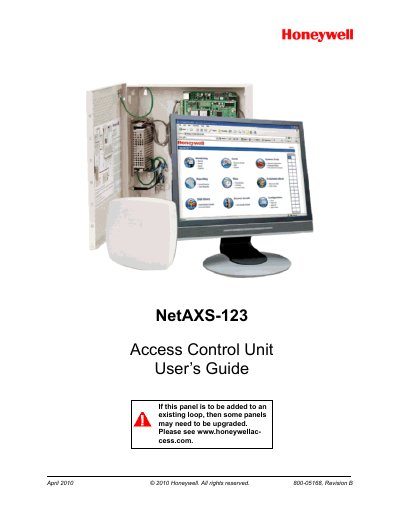
This guide provides step‑by‑step instructions for installing the NetAXS‑123 panel, connecting via USB or Ethernet, and navigating the web‑based interface. It covers initial configuration, time management, door and reader settings, access level definition, and card administration.
Additional chapters describe using WIN‑PAK commands, monitoring alarms and events, and performing firmware upgrades and data backups. Appendices give DIP‑switch settings and detailed upgrade procedures.
Section “2.6.1 Adding New Cards” explains the procedure for entering and saving new card data.
Chapter 3 lists standalone commands such as “T (Time) Command”, “D (Date) Command”, and “C (Card Add) Command”.
Chapter 4 includes a “4.2 Monitoring Alarms” section that describes the alarm view and acknowledgment process.