
Key facts
Start here
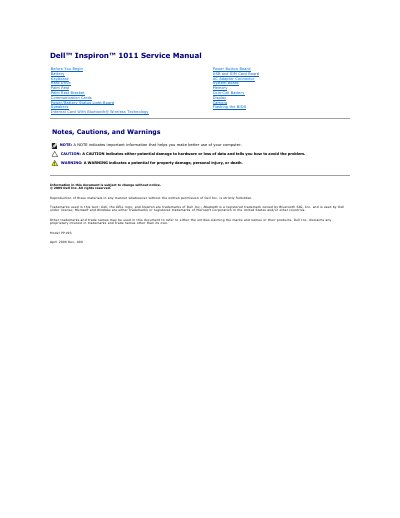
Dell Inspiron 1011 PP19S Laptop Service Manual
This service manual for the Dell Inspiron 1011 (model PP19S) gives procedures for removing and replacing internal components. Covered parts include the battery, keyboard, hard drive, palm rest, palm rest bracket, communication cards, power/battery status light board, speakers, Bluetooth card, power button board, USB and SIM card board, AC adapter connector, system board, memory, coin-cell battery, display, and camera.
The document also includes a Before You Begin section with recommended tools and safety notices, instructions for turning off the computer and working inside it, and procedures for flashing the BIOS from a CD, from the hard drive, or in Ubuntu.
All Dell Inspiron 1011 (PP19S) documents by type
Disassembly, diagnostics and part numbers, for repair.
Questions answered in these manuals
How do I flash the BIOS from a CD?
Ensure that the AC adapter is plugged in and the main battery is installed properly, insert the BIOS-update program CD, and restart the computer. Follow the instructions that appear on the screen until the computer restarts.
Does the Inspiron 1011 have an internal optical drive?
The manual states that the computer does not have an internal optical drive. It says to use an external optical drive or any external storage device for procedures that involve discs.
What model does this Dell service manual cover?
It covers the Dell Inspiron 1011, model PP19S.
Who is allowed to perform repairs on the computer?
Only qualified service technicians may perform repairs.