
This quick start guide introduces the features and characteristics of the Cisco WAP125 wireless access point, and how to deploy and configure the Cisco WAP125 in a network
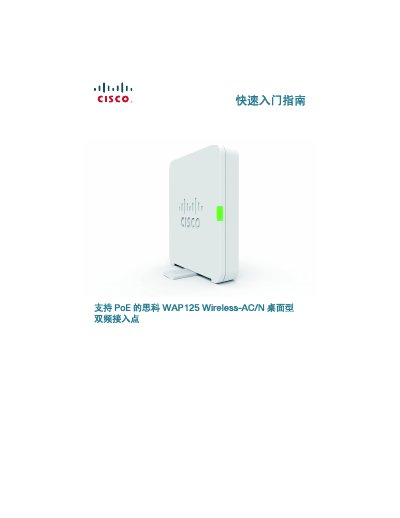
This Chinese quick start guide introduces the Cisco WAP125, a PoE-supported indoor concurrent dual-band 802.11ac/802.11n desktop access point. It lists the package contents, preparation steps, front and rear panel features, and default settings such as the cisco/cisco login and the fallback LAN IP address.
The guide explains how to place and connect the WAP125 using a wired or wireless connection, verify the hardware installation through the LEDs, and access the web-based configuration utility to run the Setup Wizard. It also provides troubleshooting steps for power, Ethernet, firmware image and IP address problems, plus instructions for restarting the device or resetting it to factory defaults. This manual is written in Chinese.
| Wireless standard | Indoor concurrent dual-band 802.11ac/802.11n |
|---|---|
| Power over Ethernet | Supported |
| LAN port | Self-sensing gigabit Ethernet (802.3) RJ-45 |
| Power input | 12V DC jack |
| Maximum ambient temperature | 40°C (104°F) |
| Fallback LAN IP address | 192.168.1.245 |
| Subnet mask | 255.255.255.0 |
The factory default IP configuration uses DHCP. If no DHCP reply is received within 60 seconds, the WAP125 falls back to the static IP address 192.168.1.245 with subnet mask 255.255.255.0.
The default username is cisco and the default password is cisco.
While the device is powered on, press and hold the RESET button with a straightened paper clip for more than 10 seconds, then release it after the power LED lights up.
Use the SSID CiscoSB-Setup and the password “cisco 123” to access the access point in wireless mode.