
This is a dealer's manual for the electronic cash register TK-3200, version 1.0, released in October 2005. The manual covers system configuration, hardware configuration, initialization, programming, and more.
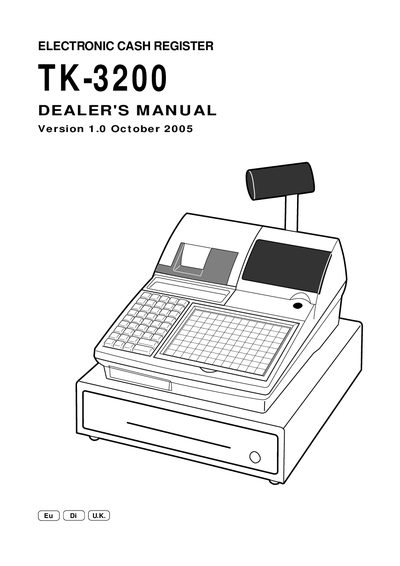
The Casio TK-3200 Dealer's Manual provides detailed instructions for configuring the electronic cash register, including hardware connections, COM1 and CF‑card IPL procedures, and system initialization. It also describes the layout of peripheral ports and the steps required to set up online and offline operation.
The manual explains the extensive programming options for address codes, key and department setups, PLU maintenance, and report generation. Appendices list file formats, font tables, and language code pages, while the index helps locate specific functions such as batch processing, time‑and‑attendance, and error handling.
| Document Version | 1.0 |
|---|
The manual describes loading the IPL data from a PC to the register through the COM1 port.
Flag clear operation is performed as part of the machine initialization procedure.
Appendix: File record format provides the definitions for all system files.