
This document is the user's manual for TE-8000F and TE-8500F electronic cash registers, which introduces the basic operations, settings, registrations, programs, reports, etc. of the cash registers.
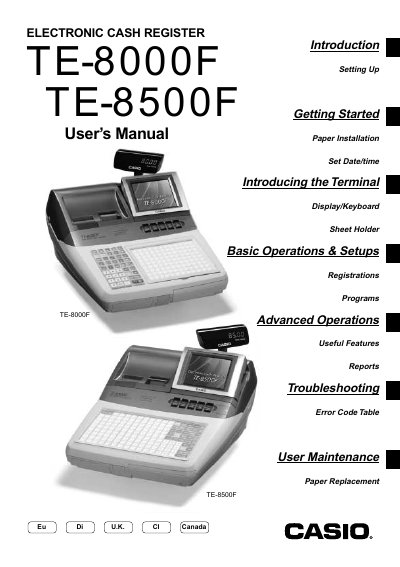
This manual introduces the TE-8000F/8500F series electronic cash register, covering initial installation, date/time setting, and basic operation of the display, keyboard, and sheet holder. It also explains how to assign clerks, handle cash, credit, and check transactions, and use advanced features such as coupons and foreign currency handling.
Safety precautions, troubleshooting steps, error code tables, and maintenance procedures—including paper replacement and power‑plug handling—are detailed to ensure reliable and safe operation in commercial environments.
| Power Supply | 100V~240V AC |
|---|---|
| FCC Classification | Class A digital device |
Immediately shut down the power and unplug the AC plug from the power outlet.
No – never try to take the register apart or modify it in any way; contact a Casio service representative.