
This document is the user manual for the Panasonic QV-700 digital camera
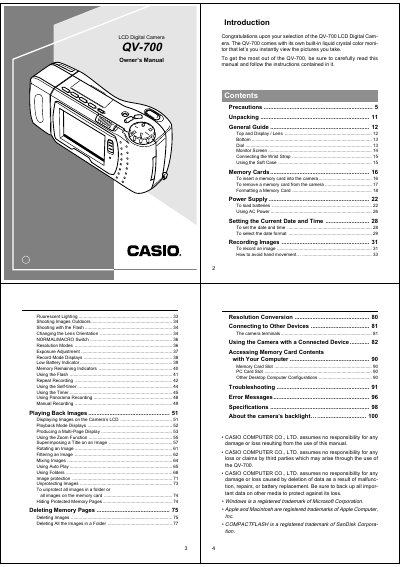
This document is the Owner's Manual for the Casio QV-700 LCD Digital Camera. It provides instructions on using the built-in liquid crystal color monitor to view pictures instantly after taking them.
The manual covers essential topics including setting the date and time, recording images with various modes (Normal/Macro), adjusting exposure, and using the flash. It also details how to play back, edit, and protect images stored on a memory card.
| Operating Temperature Range | 0°C to 40°C (32°F to 104°F) |
|---|---|
| Included Memory Card Size | 2MB |
Never try to take pictures while operating a motor vehicle or walking, and keep the camera away from water and liquids.
The camera operation will lock up; perform procedures on page 96 of this manual.