
Casio QV-10 Liquid Crystal Digital Camera Owner's Manual

This is the user manual for CASIO QV-10 digital camera
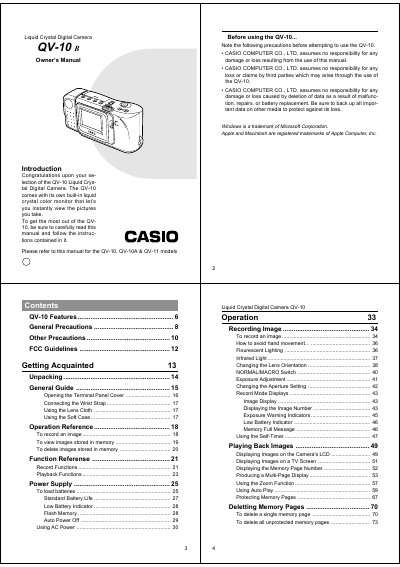

Casio QV-10 Liquid Crystal Digital Camera Owner's Manual - cover page
Brand
Casio
Category
Digital cameras
Document type
User Manual
Language
English
Pages
23
File format
PDF
File size
722 KB
Published
06 June, 2012
Updated
30 September, 2023
Model
QV-10
MD5 checksum
475B77D38DBFFDFA90C9F46E81C59FE8

About this manual

This document is the owner's manual for the Casio QV-10 Liquid Crystal Digital Camera. It provides instructions on unpacking the unit, familiarizing yourself with controls such as the POWER switch, Shutter button, and ZOOM button, and connecting to external devices like televisions or computers.

What's inside

  • Introduction
  • General Precautions
  • UN Packing
  • Getting Acquainted
  • Operation Reference
  • Function Reference
  • Power Supply
  • Flash Memory
  • Connecting to Other Devices
  • Specifications

Specifications

Operating Temperature0°C to 40°C (32°F to 104°F)
Battery TypeAlkaline batteries (AA-size x 4)

Frequently asked questions

What should I do if the MEMORY ERROR message appears?

All digital images stored in the camera's memory will be lost, and you must take the camera to a dealer or authorized service provider.

Can I use the camera while operating a motor vehicle?

No. Never try to take pictures or use the built-in display while operating a motor vehicle as it creates a danger of serious accident.

Download PDF (722 KB)

More Casio Manuals


View all Casio manuals →