
This is the user manual of Ck EX-S100 digital camera, which introduces the unboxing, features, precautions, beginner's guide, pre-preparation, basic image shooting, other shooting functions, playback and other contents.
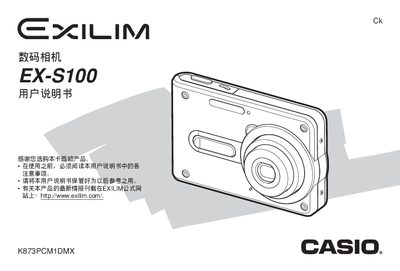
This manual covers the basic handling of the EX‑S100 camera, including safety precautions, power‑source connection, and initial setup. It explains how to configure image settings, use shooting modes such as BESTSHOT and Business Shot, and manage files stored on the internal memory.
Later sections describe USB and PictBridge connectivity, battery replacement, LCD panel specifications, and troubleshooting tips. The document also includes regulatory notices and warranty information. This manual is written in Japanese.
| Dimensions (W×H×D) | 3 mm × 30 mm × 47 mm |
|---|---|
| Weight | 16 g |
| Power input | 3.3 V AC, 3.2 W |
Use the PictBridge or USB Direct‑Print function as described in the connectivity section.
The camera measures 3 mm × 30 mm × 47 mm (W × H × D).