
Key facts
Start here
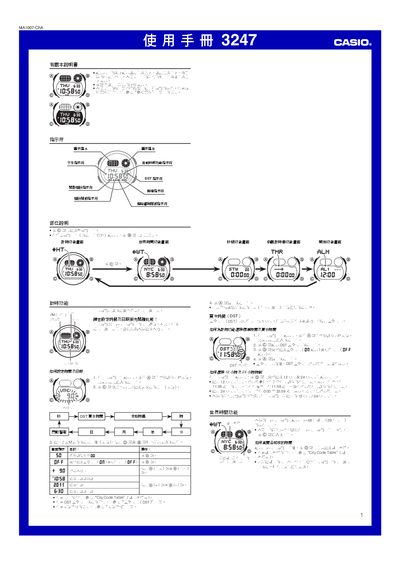
Casio 3247 User Manual
This manual provides step‑by‑step instructions for operating the Casio 3247 watch, covering functions such as timer, world time, daylight‑saving time (DST), and automatic illumination. It also includes safety notes and troubleshooting tips.
The document lists technical specifications, battery information, and a city code table for the world‑time feature, helping users set up and customize the watch for daily use. This manual is written in Japanese.
Casio CASIO3247 specifications
| Accuracy (normal temperature) | ±15 seconds per month |
|---|---|
| Time format | 12‑hour and 24‑hour selectable |
| Calendar range | 2000 – 2099 |
| Battery type | CR2025 (≈7 years) |
| World‑time cities supported | 48 cities (29 time zones) |
Source: Casio 3247 User Manual
All Casio CASIO3247 documents by type
Day-to-day operation, settings and troubleshooting. Start here if the product is already set up.
Questions answered in these manuals
What battery does the Casio 3247 use and how long does it last?
It uses a CR2025 button cell that can power the watch for about seven years.
From: Casio 3247 User Manual
How many cities can be set in the World Time function?
The World Time function supports 48 cities across 29 time zones.
From: Casio 3247 User Manual
How do I switch between 12‑hour and 24‑hour time display?
Press the @ button to toggle the time format between 12‑hour and 24‑hour modes.
How can I set or clear daylight‑saving time (DST)?
In the time‑setting screen, press and hold the @ button for about 1 second to switch between DST and standard time.