
This document is a user's guide for Canon Inc. It provides information about the features and characteristics of the products, including registered trademarks, energy efficiency, and fax machine performance.
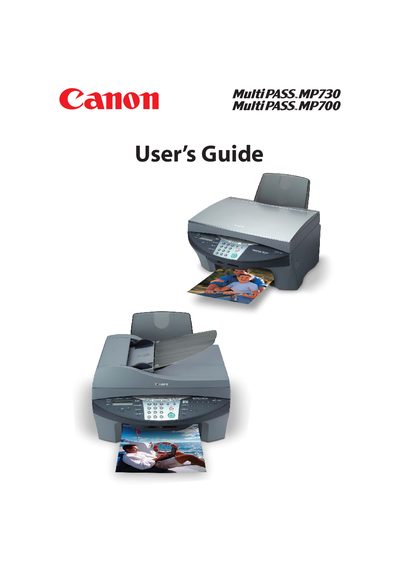
This guide introduces the Canon MultiPASS MP730/MP700, covering unpacking, main components, and basic operation such as loading documents, using the platen glass or ADF, and handling print media. It also explains fax, scanning, copying, and photo printing functions, as well as configuring speed dialing and telephone settings.
Advanced sections cover maintenance tasks like replacing ink tanks, cleaning and aligning the printhead, and troubleshooting common issues such as paper jams, software installation problems, and fax transmission errors. An appendix provides general specifications and ink, print, copy, and fax specifications.
| Operating temperature range | 59°–81.5°F (15°–27.5°C) |
|---|---|
| Relative humidity range | 20%–80% |
Refer to the Maintenance section; replace ink tanks as described on page 11‑2.
Load paper according to the Print media handling instructions; see “Loading paper…” in the guide.
Insert the memory card following the steps in the Memory card section (see “Inserting a memory card”).