
This is a manual for using the Canon PIXUS 550i printer
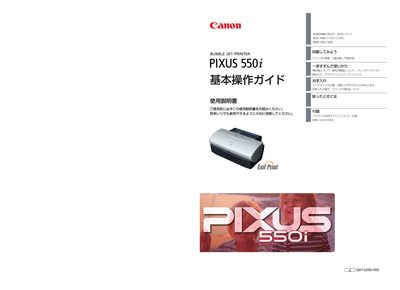
This manual explains how to set up the PIXUS 550i printer, connect it to a computer via USB or parallel cable, load paper, and start printing documents or photos. It also covers driver installation, optional software, and advanced features such as using Canon‑specific media.
Safety guidelines, routine maintenance, ink‑tank replacement, print‑head cleaning, and troubleshooting steps are detailed, along with warranty and service information. The document is written in Japanese and includes diagrams of the printer’s components and control panels.