
This is a camera user manual, which contains the use methods and precautions of the camera.
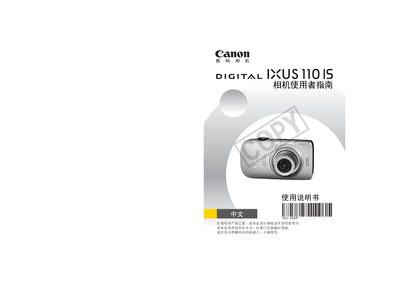
This manual provides step‑by‑step instructions for using the Canon IXUS 110 IS digital camera. It includes safety warnings, battery installation, memory‑card handling, basic shooting functions, and how to view, edit, and print images.
Later sections describe advanced shooting modes, playback options, connectivity (USB, HDMI, PictBridge), and detailed technical specifications such as image resolution, video formats, and environmental limits. This manual is written in Chinese.
| Maximum still image resolution | 4000×3000 pixels |
|---|---|
| Video resolution (HD) | 1280×720 pixels @ 30 fps |
| Battery type | NB‑4L rechargeable Li‑ion battery |
| Battery capacity | 760 mAh |
| Operating temperature | 0 ~ 40 °C |
| USB interface | Hi‑Speed USB (digital, audio, video) |
| HDMI output | Mini‑HDMI connector |
It uses a rechargeable lithium‑ion battery model NB‑4L.
Charging takes about 1 hour and 30 minutes.
The camera can capture images up to 4000 × 3000 pixels.
Yes, it supports direct printing via a PictBridge compatible printer.