
《Canon 30D User's Guide》 is a user manual for Canon 30D camera. It mainly introduces the camera's controls and menu settings.
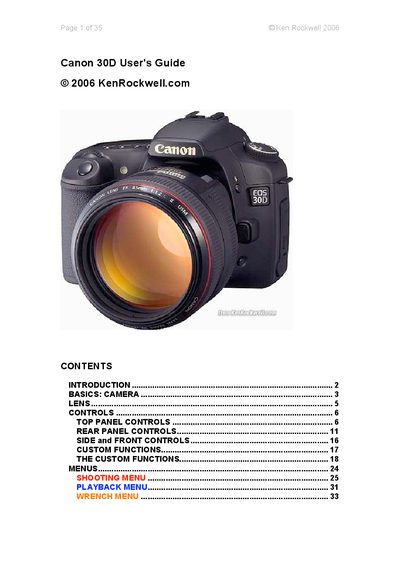
This guide introduces the Canon 30D, covering essential setup steps, power handling, ISO selection, white balance, picture style, and basic shooting concepts. It walks users through the camera's top‑panel controls, exposure modes, and recommended default settings.
Later sections detail lens handling, focus modes, metering options, custom functions, and the full menu system, including shooting and playback menus. The document also explains formatting memory cards, firmware updates, and resetting camera settings.
| Image size (Large JPG) | 3504 x 2336 pixels |
|---|---|
| ISO range | 100‑1600 |
| Focus mode default | AF (Auto Focus) |
| White balance default | AUTO |
Tap the shutter button to wake the camera.
Use the format function, which erases the card and starts it fresh.
Set ISO to 100 for daylight shooting.