
This document is the user manual for the WL-566gM wireless router, which provides information on the configuration, advanced features, and troubleshooting of the router.
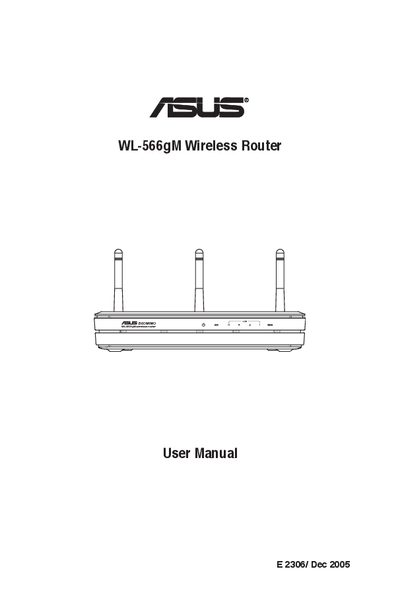
The manual begins with a list of package contents and step‑by‑step instructions for connecting the router to an ADSL or cable modem using either a wired Ethernet cable or a wireless adapter. It explains how to access the router’s web interface at the default address 192.168.1.1, set IP parameters, and verify status indicators.
Later sections cover advanced features such as encryption (WEP/WPA), virtual servers, DMZ, DDNS, bandwidth management, and the EZSetup wizard for quick wireless configuration. Troubleshooting tips and regulatory compliance information are also included.
| Default IP address | 192.168.1.1 |
|---|---|
| Subnet mask | 255.255.255.0 |
| Default SSID | default |
| Supported wireless standards | IEEE 802.11b/g |
| WAN port location | Rear panel |
Open a web browser and enter http://192.168.1.1, then log in with the default username and password (admin / admin).
Use the encryption setup page to select WEP or WPA, enter a passphrase, and the router will generate the required keys.
Press the EZSetup button on the router for about 3 seconds, then follow the EZSetup utility prompts to complete wireless configuration.