
Key facts
- Brand
- ASUS
- Model
- ET2411
- Category
- All-in-One Desktops
- Documents
- 2
- Languages
- EN · ZH-TW
- Last added
- 2023-10-17
Start here
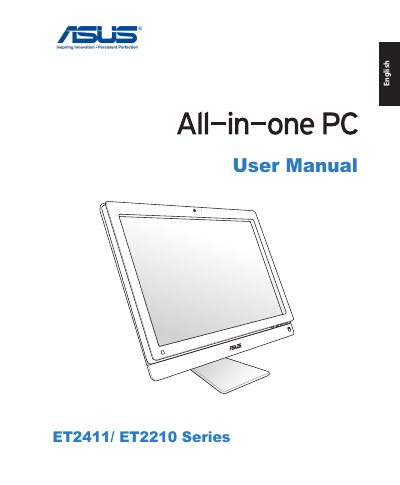
ASUS ET2411/ET2210 Series All-in-One PC User Manual
This document is the user manual for the ASUS ET2411 and ET2210 Series All-in-One PCs. It covers safety notices, regulatory compliance statements, and initial setup procedures including connecting wired and wireless peripherals. The guide details how to configure network connections, both wired and wireless, and explains how to use the touch screen interface.
Read onlineASUS ET2411 specifications
| Input Voltage | 100–240Vac |
|---|---|
| Input Frequency | 50–60Hz |
| Rated Output Voltage | 19Vdc |
| Recommended Operating Temperature | 0℃ to 40℃ |
All ASUS ET2411 documents by type
Day-to-day operation, settings and troubleshooting. Start here if the product is already set up.
Questions answered in these manuals
What is the minimum separation distance required between the antenna and all persons?
The antenna must be installed to provide a separation distance of at least 20 cm from all persons.
What happens to the data on the hard disk when restoring the whole disk?
This option deletes all data from your hard disk and creates a new system partition as drive "C", an empty partition as drive "D" and a Recovery Partition.
What are the recommended wireless network channels for Europe?
For Europe (ETSI), the recommended channels are Ch01 through Ch13.
What is the recommended operating temperature range for the PC?
The recommended operating environment temperature is between 0℃ and 40℃.