
Key facts
Start here
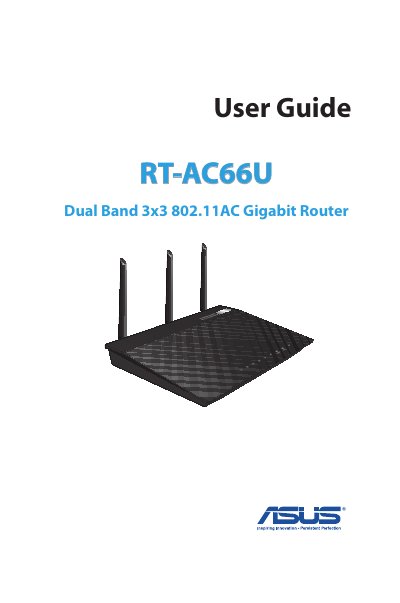
ASUS RT-AC66U Dual Band 3x3 802.11AC Gigabit Router User Guide
The ASUS RT-AC66U is a dual-band wireless router featuring 2.4GHz and 5GHz bands for concurrent HD streaming. The package includes the router, power adapter, network cable, stand, and support CD. The device supports SMB, UPnP AV, and FTP servers for file sharing and can handle up to 300,000 sessions.
Read onlineASUS RT-AC66U specifications
| Wireless Standard | 802.11ac |
|---|---|
| Frequency Bands | 2.4GHz and 5GHz |
| Max Sessions | 300,000 |
| Power Saving | Up to 70% |
Source: ASUS RT-AC66U Dual Band 3x3 802.11AC Gigabit Router User Guide
All ASUS RT-AC66U documents by type
Day-to-day operation, settings and troubleshooting. Start here if the product is already set up.
Questions answered in these manuals
How do I set up the router?
Use a wired connection to set up the router to avoid wireless setup issues.
From: ASUS RT-AC66U Dual Band 3x3 802.11AC Gigabit Router User Guide
What servers are supported?
The router supports SMB, UPnP AV, and FTP servers for 24/7 file sharing.
From: ASUS RT-AC66U Dual Band 3x3 802.11AC Gigabit Router User Guide
What is included in the package?
The package contains the wireless router, network cable, power adapter, Quick Start Guide, Support CD, Warranty card, and stand.
From: ASUS RT-AC66U Dual Band 3x3 802.11AC Gigabit Router User Guide
How do I reset the router to factory settings?
Press the Reset button to reset or restore the system to its factory default settings.
From: ASUS RT-AC66U Dual Band 3x3 802.11AC Gigabit Router User Guide