
This document is a user manual for the ET2411/ET2210 series of computers released by ASUSTeK Computer Inc. It provides instructions and precautions for using the computers in this series.
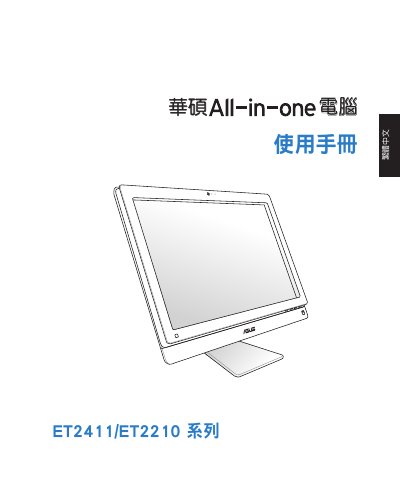
This user manual covers the ASUS ET2411/ET2210 Series All-in-One PC, detailing safety precautions, system setup, and usage instructions. It includes specific information on wireless network channels for different regions, product recycling, and safety warnings such as UL requirements for mounting arms. The guide also explains how to connect peripherals like wired and wireless keyboards and mice, and how to power on the device. This manual is written in Chinese.
| Input Voltage | 100–240Vac |
|---|---|
| Input Frequency | 50–60Hz |
| Rated Output Voltage | 19Vdc |
| Recommended Operating Temperature | 0℃ to 40℃ |
For Europe (ETSI), the recommended channels are Ch01 through Ch13.
The recommended operating environment temperature is between 0℃ and 40℃.