
Key facts
- Brand
- ASUS
- Model
- EA-N66
- Category
- Other network devices
- Industry
- Electronics
- Documents
- 2
- Languages
- PT · EN
- Last added
- 2026-11-09
Start here
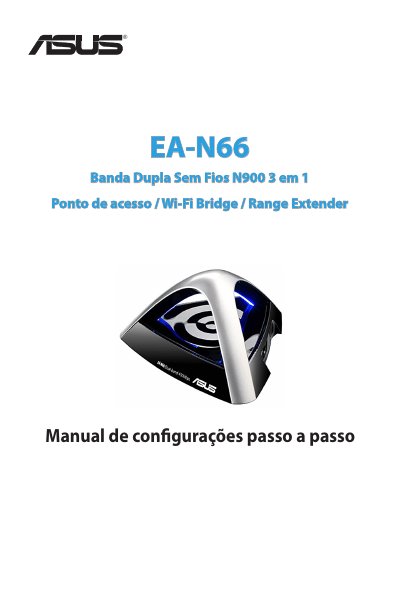
ASUS EA-N66 Dual-Band Wireless N900 3-in-1 Access Point/Wi-Fi Bridge/Range Extender Setup Manual
This manual covers the ASUS EA-N66, a dual-band wireless N900 3-in-1 device that can operate as an access point, Wi-Fi bridge, or range extender. It describes package contents, system requirements, the network map, and step-by-step configuration for each operating mode.
It also explains wireless settings, LAN settings, administration options, system registration, and regulatory notices for the device. This manual is written in Portuguese.
ASUS EA-N66 specifications
| Wireless connectivity | IEEE 802.11 b/g/n |
|---|---|
| LAN port | RJ-45 Ethernet |
| Default IP address | 10.0.1.1 |
| Default login | username admin, password admin |
Source: ASUS EA-N66 Dual-Band Wireless N900 3-in-1 Access Point/Wi-Fi Bridge/Range Extender Setup Manual
All ASUS EA-N66 documents by type
Day-to-day operation, settings and troubleshooting. Start here if the product is already set up.
Questions answered in these manuals
What is the default IP address of the ASUS EA-N66?
The default IP address is 10.0.1.1.
From: ASUS EA-N66 Dual-Band Wireless N900 3-in-1 Access Point/Wi-Fi Bridge/Range Extender Setup Manual
What are the default login credentials for the ASUS EA-N66?
The default username and password are both admin.
From: ASUS EA-N66 Dual-Band Wireless N900 3-in-1 Access Point/Wi-Fi Bridge/Range Extender Setup Manual
What is the factory default IP address?
The factory default IP address is 10.0.1.1.
What are the factory default user name and password?
Both the factory default user name and password are admin.