
Key facts
- Brand
- Yamaha
- Model
- KX-W592
- Industry
- Electronics
- Documents
- 3
- Languages
- EN
- Last added
- 2012-06-13
Start here
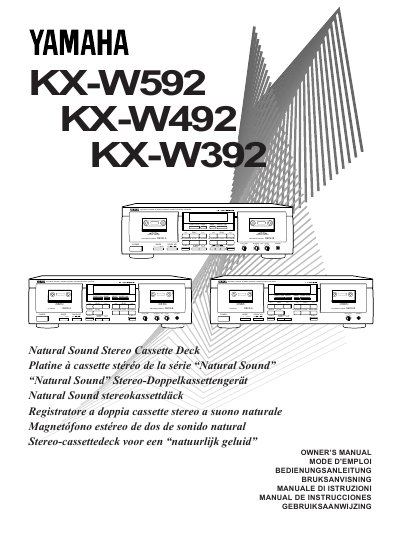
Yamaha KX-W592/KX-W492/KX-W392 Owner's Manual
This document is the owner's manual for the Yamaha KX-W592, KX-W492, and KX-W392 stereo cassette decks. It provides instructions on installation, including setting the voltage selector and connecting line-level inputs and outputs to an amplifier or receiver.
The guide details operations for both playback and recording across two decks (A and B). Key features explained include Dolby B/C noise reduction, Digital Super Surround (DSS) for the KX-W592 model, relay playback and recording functions, dual recording capabilities, and various tape running modes such as auto reverse.
Yamaha KX-W592 specifications
| Noise Reduction System | Dolby B/C |
|---|---|
| Head Type (KX-W592) | High Quality Hard Permalloy Recording/Playback Head in Both Decks |
| Head Type (KX-W492/KX-W392) | High Quality Hard Permalloy Recording/Playback Head in Deck B and Playback Head in Deck A |
| Tape Stabilizer (KX-W592) | Secure Holding Damper Cassette Stabilizer |
| Bias Servo System | Dolby HX Pro Dynamic Bias Servo |
| Audio Field Function | Digital Super Surround (DSS) |
| Playback Compatibility Control | Play Trim Control |
All Yamaha KX-W592 documents by type
Day-to-day operation, settings and troubleshooting. Start here if the product is already set up.
Questions answered in these manuals
Which models support Digital Super Surround?
The DSS function is applicable only to the KX-W592 model.
How do I set the Dolby NR selector for a tape recorded with Dolby B?
Set the DOLBY NR selector to 'B/C' position.
How do I set the Dolby NR selector?
Set the selector to OFF for tapes recorded without Dolby NR, CZ1B for Dolby B NR, or C for Dolby C NR.
What is the Relay Playback function?
Relay Playback allows cassette tapes loaded in DECK A and DECK B to be played back sequentially.
How do I set the Dolby NR selector?
Set the DOLBY NR selector according to the system used for recording: OFF for no NR, CZ1B for Dolby B, and C for Dolby C.
From: Yamaha KX-W592/KX-W492/KX-W392 Natural Sound Stereo Cassette Deck Owner's Manual
What does the RELAY playback mode do?
In RELAY mode, cassette tapes loaded in DECKs A and B are played back sequentially.
From: Yamaha KX-W592/KX-W492/KX-W392 Natural Sound Stereo Cassette Deck Owner's Manual