
This quick start guide shows how to charge, connect and access files on the Sony WG‑C20 wireless data sharing device.
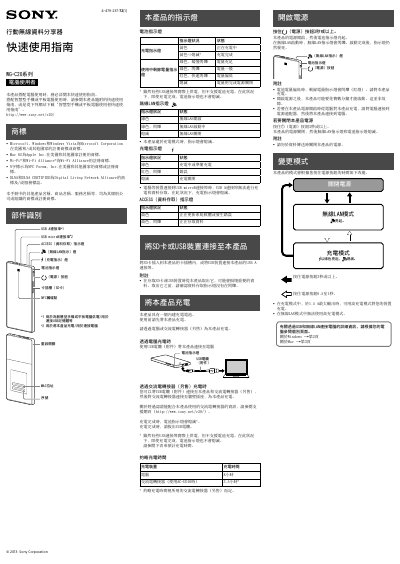
The Sony WG‑C20 is a portable wireless data sharing device that lets you transfer files between a computer, smartphone or tablet via USB or Wi‑Fi. It includes a built‑in rechargeable battery, USB‑A and micro‑USB ports, an SD‑card slot and NFC touch point.
The guide covers charging the device, connecting it to Windows or macOS computers using USB or Wi‑Fi, configuring security settings, and accessing files on the SD card or attached USB storage. Step‑by‑step instructions and indicator light meanings help you get started quickly. This manual is written in Chinese.
| Charging time via AC adapter | 3.5 hours |
|---|---|
| Maximum charging output | 1.5 A |
Charging takes about 8 hours when using a computer USB port, or roughly 3.5 hours with the optional AC‑UD10 adapter.
Turn on the device, select the network named WG‑C20‑xxxxxx, enter the password you set in the security settings, and click Connect.
In Finder choose Go → Connect to Server, enter smb://192.168.41.1, then select the SD_Card folder to read or write files.