
Key facts
- Brand
- SONY
- Model
- ILCE-7M4 α7IV
- Category
- Digital cameras
- Industry
- Electronics
- Documents
- 2
- Languages
- ZH
- Last added
- 2026-10-20
Start here
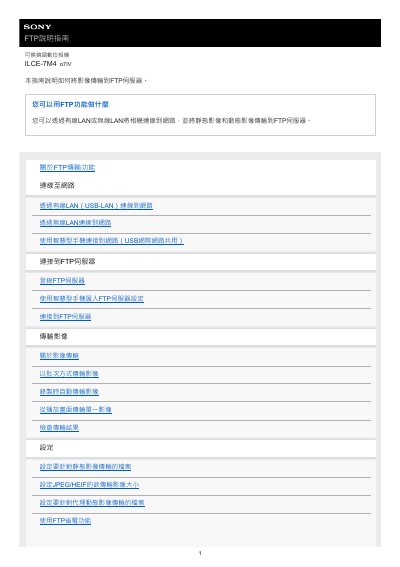
Sony ILCE-7M4 α7IV FTP Transfer Guide
This manual provides instructions for transferring images from the Sony ILCE-7M4 α7IV interchangeable lens digital camera to an FTP server. It covers connecting the camera to a network using wired LAN (USB-LAN), wireless LAN, or by sharing a smartphone's internet connection via USB.
The guide details how to register up to nine FTP servers on the camera and configure transfer settings for static images, dynamic videos, or both. Users can choose to transfer images in batches, automatically during recording, or individually from playback mode. This manual is written in Chinese.
All Sony ILCE-7M4 α7IV documents by type
Day-to-day operation, settings and troubleshooting. Start here if the product is already set up.
Questions answered in these manuals
How many FTP servers can be registered on the camera?
You can register up to nine FTP servers to the camera.
Can I transfer images automatically while recording?
Yes, you can set the camera to automatically transfer static or dynamic images during recording.
How many FTP servers can be registered on the camera?
You can register up to 9 FTP servers on the camera.
What is the maximum number of settings that can be saved to a single memory card?
A single memory card can save up to 10 FTP transmission settings.