
Sony ILCE-7M4 α7IV FTP Transfer Help Guide

This guide explains how to connect the Sony ILCE-7M4 α7IV camera to a network and transfer images to an FTP server.
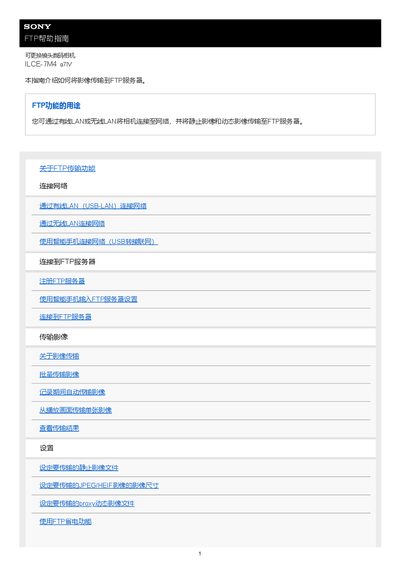

Sony ILCE-7M4 α7IV FTP Transfer Help Guide - cover page
Brand
SONY
Category
Digital cameras
Document type
User Manual
Language
Chinese
Pages
27
File format
PDF
File size
542 KB
Published
13 October, 2026
Updated
13 October, 2026
MD5 checksum
12C4DF405417A36B34CCADE3744C8D70

About this manual

This document serves as a help guide for the Sony ILCE-7M4 α7IV interchangeable lens digital camera, specifically detailing the FTP transfer function. It covers connecting the camera to a network via wired LAN, wireless LAN, or a smartphone, and registering an FTP server for image transmission. The guide also includes instructions on setting transfer parameters, using power-saving features, and managing network settings. This manual is written in Chinese.

What's inside

  • FTP Transfer Function
  • Connecting to Network (Wired)
  • Connecting to Network (Wireless)
  • Connecting via Smartphone
  • Registering FTP Server
  • Transferring Images
  • Resetting Network Settings
  • Saving/Loading FTP Settings

Frequently asked questions

How many FTP servers can be registered on the camera?

You can register up to 9 FTP servers on the camera.

What is the maximum number of settings that can be saved to a single memory card?

A single memory card can save up to 10 FTP transmission settings.

Which USB cable type is recommended for connecting the camera to a smartphone?

It is recommended to use a USB cable that supports USB-PD (USB power delivery).

Download PDF (542 KB)

More SONY Manuals


View all SONY manuals →