
This is a user manual for DCR-TRV940E/TRV950E Digital Video Camera Recorder SERIES TM DCR-TRV940E.
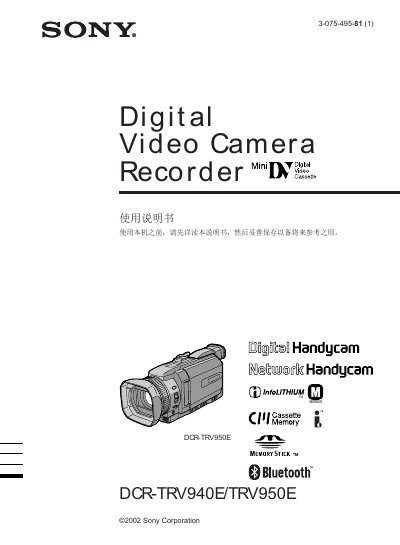
This manual explains how to set up and operate the Sony DCR-TRV940E/DCR-TRV950E digital Handycam. It includes safety warnings, such as avoiding exposure to rain or moisture, and outlines the basic steps for powering the device, inserting tapes, and using the touch panel.
The guide also covers advanced functions like recording to Memory Stick, transferring video via USB, using Bluetooth and network features, and troubleshooting common issues. Detailed sections describe exposure controls, digital zoom, image effects, and how to customize settings through the menu. This manual is written in Chinese.
No, the manual warns not to expose the camera to rain or moisture.
Connect the camcorder to the computer using the supplied USB cable.
Yes, the device includes full Bluetooth compatibility for network connections.
Restart the application software or disconnect and reconnect the USB cable before retrying.