
This document is a user manual from Sony Corporation, which describes the features and characteristics of the Sony DCR-TRV940E/TRV950E digital video camera.
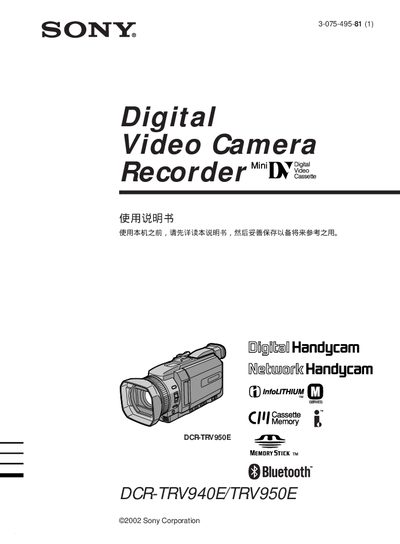
The Sony DCR-TRV940E and DCR-TRV950E are portable digital Handycam camcorders that support Bluetooth, network connectivity, and Memory Stick recording. They offer various shooting modes such as back‑light, spot light, program AE, and digital zoom, and allow playback of both tape and memory‑stick media.
This manual explains how to install the rechargeable battery, load a video cassette, connect power and USB cables, set date and time, and use the touch panel. It also covers Memory Stick operations, network features (limited to DCR‑TRV950E), advanced functions like digital effects, and provides troubleshooting tips and service information. This manual is written in Chinese.
| Bluetooth | Supported |
|---|---|
| Camera type | Digital Handycam |
| Network capability | Supported (limited to DCR‑TRV950E) |
| Memory Stick recording | Supported |
| Rechargeable battery | Supported |
Do not expose the camcorder to rain or moisture.
No, do not remove the case; only professional technicians should service it.
Network functions are limited to the DCR‑TRV950E model and only in certain countries/regions.