
The Sony DCR-HC30/HC40 camcorder user manual provides operating instructions, setup steps, and troubleshooting tips.
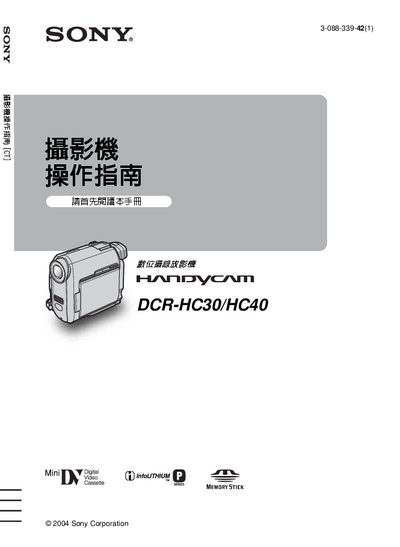
This manual explains how to operate the Sony DCR‑HC30/HC40 digital camcorder, covering basic functions such as powering on, inserting Mini‑DV cassettes or Memory Stick Duo cards, and recording video. It also details menu navigation, exposure settings, and advanced shooting modes.
Additional sections cover safety warnings, battery handling, connection to external devices via USB or i.LINK, and a full troubleshooting guide. Technical specifications and a quick‑reference guide are provided at the end of the document. This manual is written in Chinese.
| Battery type | InfoLithium rechargeable battery pack |
|---|---|
| Video format | DV (Digital Video) format |
No. The manual warns against exposing the camcorder to rain or moisture to prevent fire or electric shock hazards.
Slide the POWER switch to the OFF (CHG) position after stopping recording or playback.
Restart the application or disconnect and reconnect the USB cable before trying again.