
This document is the user manual of Sony BRAVIA TV, which introduces the functions and features of the TV and how to use it.
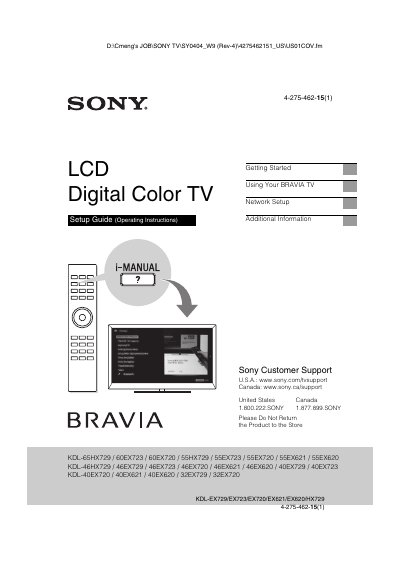
This document serves as the Getting Started and User Manual for Sony BRAVIA LCD Digital Color TVs. It guides users through the initial setup process, including attaching the table-top stand, securing the TV, and connecting various sources. The manual also details how to use the TV's features, such as the 3D function, network setup, and the built-in i-Manual.
| Viewable Image Size (32 class) | 31.5 inch |
|---|---|
| Viewable Image Size (55 class) | 54.6 inch |
| Viewable Image Size (65 class) | 64.5 inch |
| Video Resolution | 1,920 dots x 1,080 lines |
| Power Input | 110-240 V AC |
You should stop watching the 3D video images or playing stereoscopic 3D games until the discomfort ends.
Press the i-MANUAL button on the remote control and select an item to access the i-Manual.
Select Settings, Product Support, and then Software Update if your TV is connected to the Internet.