
Key facts
- Brand
- Siemens
- Model
- Mobile Panel 170
- Category
- Industrial Robot
- Industry
- Industrial
- Documents
- 2
- Languages
- EN · ZH
- Last added
- 2026-11-06
Start here
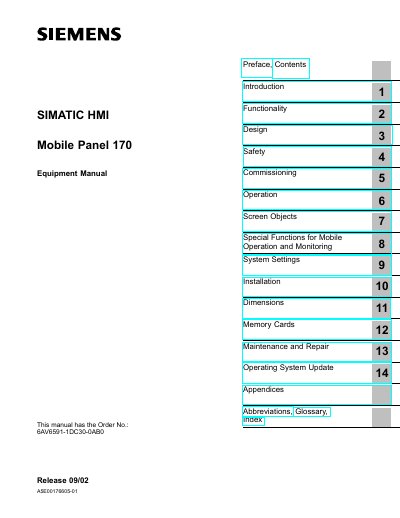
Siemens Mobile Panel 170 Equipment Manual
This manual provides detailed instructions for operating, installing, configuring, and maintaining the Siemens Mobile Panel 170. It includes safety guidelines, technical specifications, and system settings. The document is intended for qualified personnel and covers both hardware and software aspects, including screen objects, special functions, and maintenance procedures.
The manual is part of the SIMATIC HMI documentation and references related materials such as ProTool configuration software and communication guides for PLCs. It also includes technical data, interface assignments, and ESD guidelines for proper handling and installation.
Siemens Mobile Panel 170 specifications
| Display Type | C-STN LCD |
|---|---|
| Size | 5.7”/115 x 86 |
| Resolution | 320 x 240, Q-VGA |
| Colors | 16 |
| Back-lighting | MTFB at 25 °C CCFL tube 50,000 h |
| Touchscreen Type | analog, resistive |
| Function Keys | 14 (F1 to F8 with LEDs) |
| Acknowledgement Buttons | 2-circuit, 3-position |
| STOP Button | Optional, 2-circuit |
All Siemens Mobile Panel 170 documents by type
Day-to-day operation, settings and troubleshooting. Start here if the product is already set up.
Questions answered in these manuals
What is the display type of the Mobile Panel 170?
The display type is C-STN LCD.
What is the resolution of the display?
The resolution is 320 x 240 pixels, with 16 colors.
What do the warning symbols in the manual indicate?
The symbols show the level of danger: a triangle indicates personal safety hazards that could cause death or serious injury, while other symbols indicate property damage or minor injury.
What is the version of this operating guide?
The manual is version 10/2004.