
Siemens PCS 7 V7.0 Process Control System Getting Started Part 2 User Manual

This document is about the Getting Started of PCS 7 V7.0, including hardware configuration, work flow, textual interconnection, CFC chart configuration, SFC chart configuration, compilation, download, test, etc.
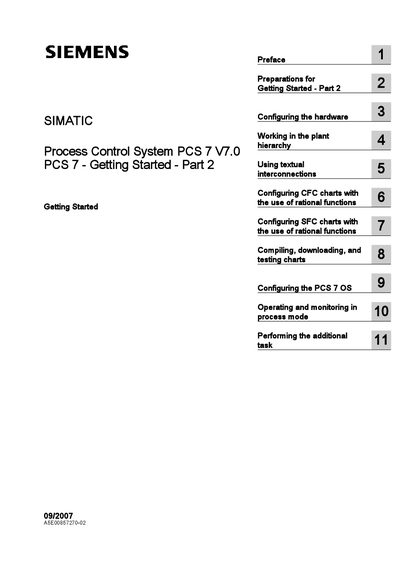

Siemens PCS 7 V7.0 Process Control System Getting Started Part 2 User Manual - cover page
Brand
Siemens
Document type
User Manual
Language
English
Pages
216
File format
PDF
File size
1.4 MB
Published
19 February, 2012
Updated
30 September, 2023
MD5 checksum
9CDD8BF6AD3FB5D083AAEF42D9515E6A

About this manual

The Getting Started – Part 2 guide introduces the PCS 7 functions needed for fast and effective configuration of a plant. It builds on Part 1 and is intended for users who have already completed the initial tutorial.

The document covers hardware setup, plant hierarchy management, textual interconnections, CFC and SFC chart configuration, compilation, download, OS configuration, and operation in process mode. Safety guidelines and qualified‑person requirements are also included.

What's inside

  • Preface
  • Preparations for Getting Started – Part 2
  • Configuring the hardware
  • Working in the plant hierarchy
  • Using textual interconnections
  • Configuring CFC charts with rational functions
  • Configuring SFC charts with rational functions
  • Compiling, downloading, and testing charts
  • Configuring the PCS 7 OS
  • Operating and monitoring in process mode

Frequently asked questions

Where can additional support for PCS 7 be obtained?

Additional support can be obtained from a local Siemens representative; a list is available at http://www.siemens.com/automation/partner.

Download PDF (1.4 MB)

More Siemens Manuals


View all Siemens manuals →