
The XE-A203 electronic cash register is a multi-functional registration and payment device with a quick start guide. It can be securely fitted to supporting platforms to ensure stability. This product is suitable for various commercial environments, easy to use, and simple to operate.
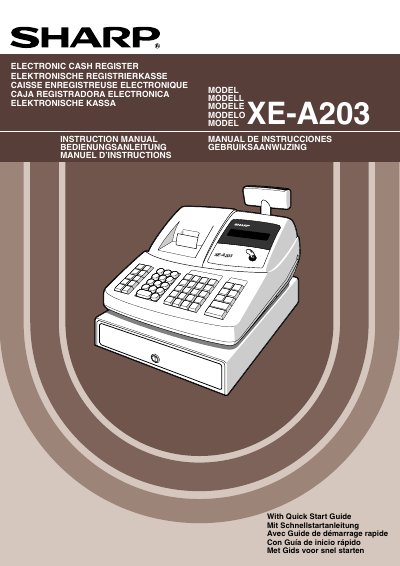
This manual introduces the Sharp XE-A203 electronic cash register, covering safety warnings, installation steps, and initial setup such as battery installation and initialization. It also explains the functions of the display, printer, keyboard, and drawer lock.
Detailed sections guide users through basic programming, sales entry, correction procedures, report generation, and advanced features. Specifications, disposal information, and an error‑message table are included for reference.
| Model | XE-A203 |
|---|---|
| Dimensions (W×D×H) | 355 mm × 430 mm × 312 mm |
| Weight | 11 kg |
| Stand‑by Power Consumption | 11.5 W (220‑230 V) / 11.4 W (230‑240 V) |
| Operating Power Consumption | 41.4 W (220‑230 V) / 41.8 W (230‑240 V) |
| Working Temperature | 0 °C to 40 °C |
| Operator Display | Dot matrix, 16 positions × 1 line |
| Customer Display | 7‑segment, 7 positions |
| Printer Type | One‑station thermal printer |
| Paper Roll Width | 57.5 mm ± 0.5 mm |
| Cash Drawer Slots | 5 bill slots, 8 coin slots |
Insert the manager (MA) key, turn the mode switch to REG, plug the AC power cord in, and listen for three buzzer beeps; the display will show 0.00 and “NO BATTERY”.
Three new alkaline LR6 (“AA” size) batteries must be installed after the register has been initialized.
Open the printer cover, ensure the print‑roller arm is unlocked, then remove the empty roll and insert a new roll of the specified width.
The unit consumes 11.5 W in standby when connected to 220‑230 V (or 11.4 W at 230‑240 V).